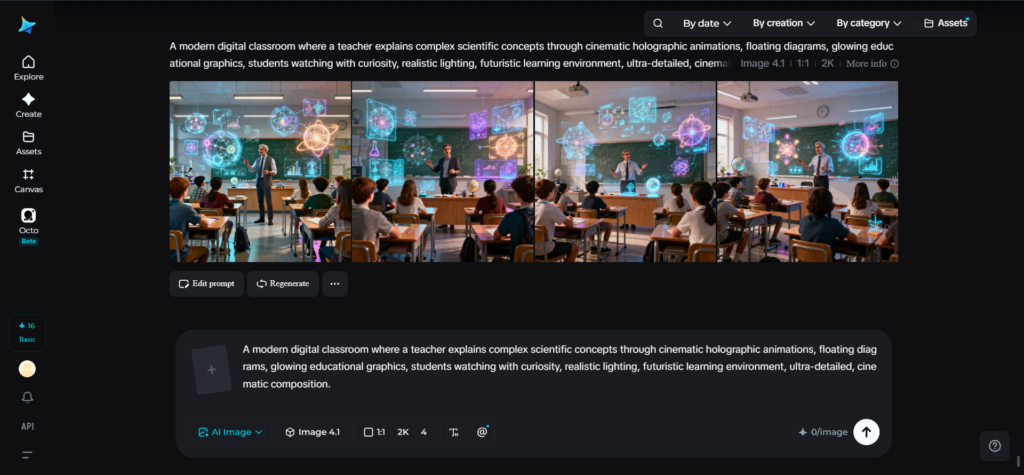
One of the major challenges in education is the explanation of complicated ideas. Be it online courses, lessons in the classroom, corporate training, or content on social media networks, the motto is similar – instill knowledge without overdoing it. Otherwise, long explanations or formatting full of text may lose the audience even before the point is made.
Nowadays, video production backed by the use of artificial intelligence presents a more engaging alternative. Instead of just using words to convey information, creators change their abstract ideas into interesting cinematic visual stories that are easier to digest. Seedance 2.5 is an upgraded iteration of Seedance 2.0, designed to deliver better AI video quality, consistency, and creative control. Dreamina makes this process achievable, while Seedance 2.5 gives advanced video generation tools to develop longer, better, and more coherent educational content. Thus, educators need not spend lots of time shooting videos or creating animations since AI will do much of the production work for them.
Why stories teach better than explanations
People naturally remember stories better than isolated facts. That’s because stories create connections between ideas, emotions, and visuals. When a lesson becomes a journey rather than a lecture, learners stay engaged from beginning to end.
Imagine explaining how renewable energy works. Instead of listing definitions, you could visually follow sunlight reaching solar panels, electricity powering homes, and communities benefiting from clean energy. Each scene naturally builds on the previous one.
The same principle works across countless subjects:
- Scientific concepts
- Business training
- Medical education
- Financial literacy
- History lessons
- Technology tutorials
Rather than presenting information all at once, visual storytelling allows learners to discover ideas one step at a time.
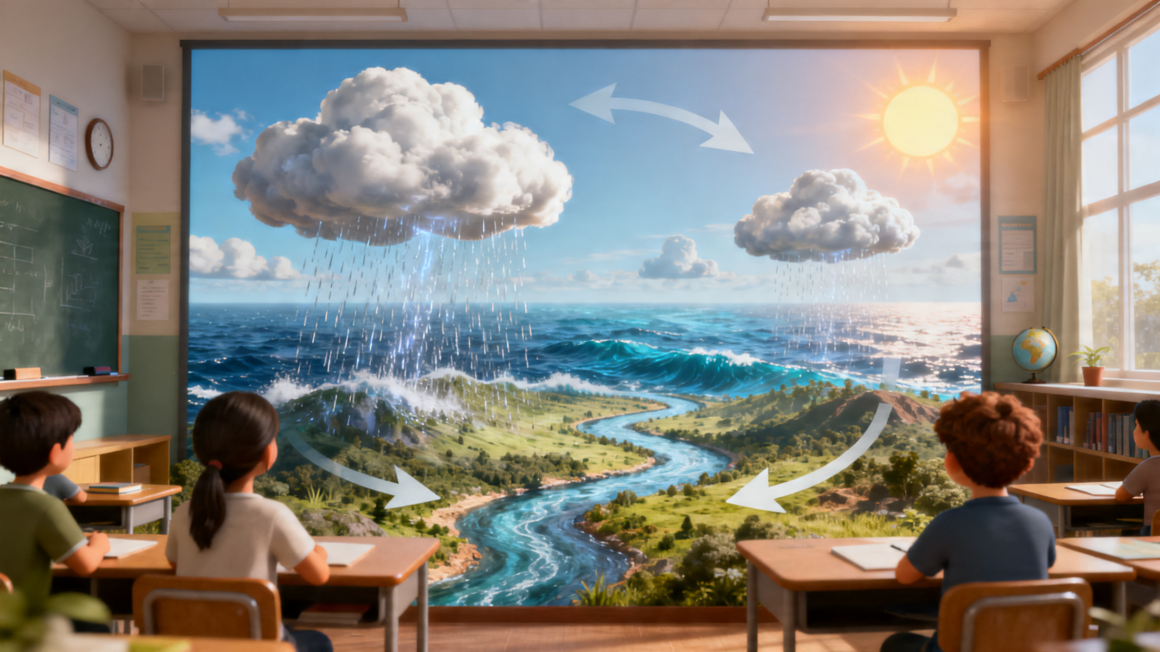
What makes Seedance 2.5 perfect for educational videos
Creating learning videos requires more than attractive visuals. Educational content demands consistency, logical pacing, and the ability to explain ideas without confusing viewers. Seedance 2.5 addresses these needs by combining longer video generation with production-ready creative control.
Extended video duration
It makes it possible to tell complete educational stories without breaking lessons into disconnected clips. This allows creators to introduce a concept, explain it visually, and conclude naturally within one continuous sequence.
Multimodal input support
Instead of relying only on text prompts, creators can combine scripts, reference images, visual concepts, audio inspiration, and storyboard materials into one creative workflow. This keeps lessons visually consistent from beginning to end.
Improved reference consistency
It helps characters, environments, and teaching visuals to remain stable across multiple scenes. This is particularly valuable for educational series where continuity improves comprehension.
Precise editing capabilities
This further streamlines revisions by allowing creators to adjust specific elements without regenerating the entire project. Combined with smoother camera movement, reduced AI artifacts, and improved realism, the result feels polished enough for professional educational content.
How to build educational videos with Dreamina
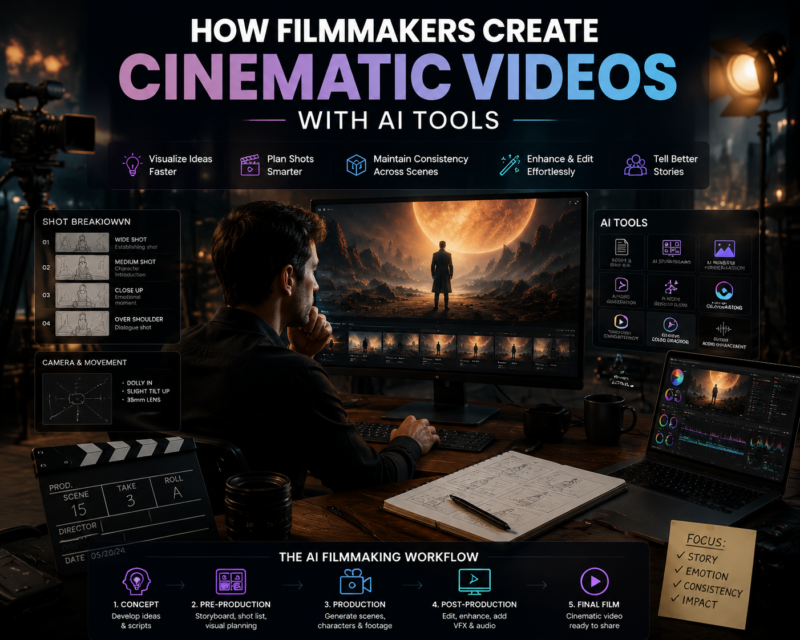
If you’re wondering, pairing it with Dreamina’s video workflow creates an efficient pipeline for transforming educational ideas into cinematic learning experiences. Strong reference images can guide your scenes before they’re animated into complete videos.
Step 1: Enter the prompt & upload image
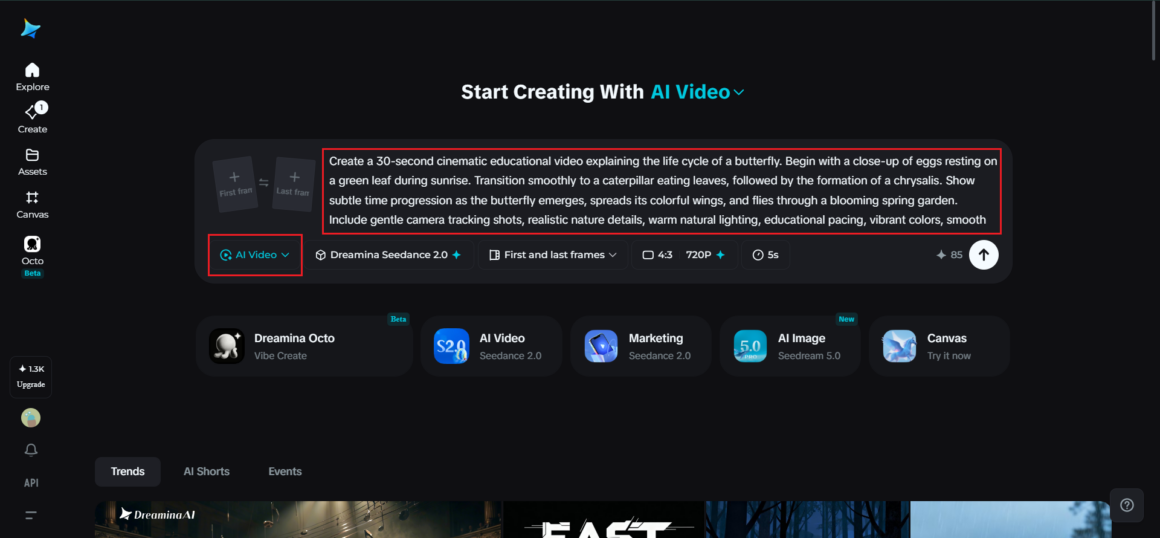
Visit Dreamina and sign in, then navigate to the “AI Video” section. Click “Add reference image” if you’d like to guide your video using an illustration, educational diagram, or character design. If you’re creating a text-to-video project, simply enter a detailed prompt without uploading an image.
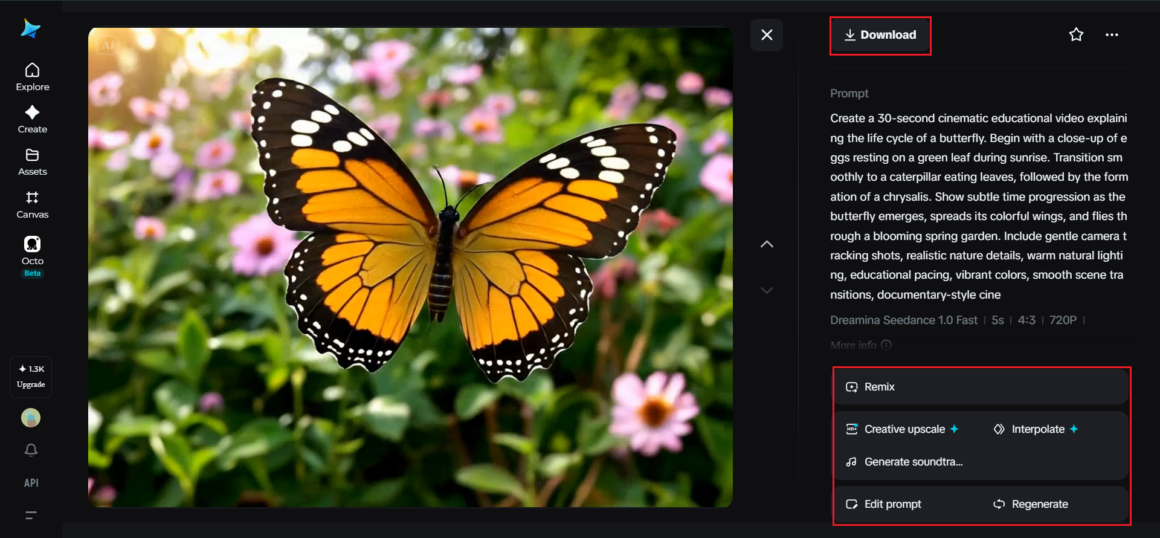
Sample prompt: Create a 30-second cinematic educational video explaining the life cycle of a butterfly. Begin with a close-up of eggs resting on a green leaf during sunrise. Transition smoothly to a caterpillar eating leaves, followed by the formation of a chrysalis. Show subtle time progression as the butterfly emerges, spreads its colorful wings, and flies through a blooming spring garden. Include gentle camera tracking shots, realistic nature details, warm natural lighting, educational pacing, vibrant colors, smooth scene transitions, documentary-style cinematography, peaceful orchestral atmosphere, and highly realistic environmental animation.
Step 2: Generate your video
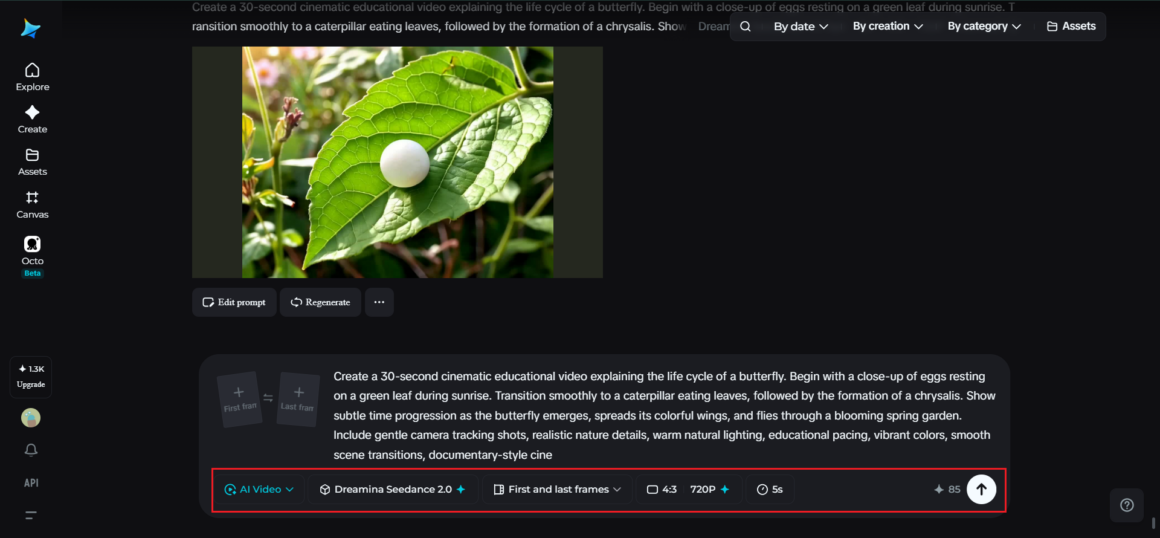
Select the appropriate video generation model, choose your preferred video length, and then set the aspect ratio according to your destination platform—16:9 works well for YouTube lessons, while 9:16 is ideal for TikTok or Shorts. Once everything is configured, click Dreamina’s generation icon and allow the AI to create your educational video.
Step 3: Enhance & export the video
After generation, refine the final result using Dreamina’s AI editing tools. Increase visual quality with Upscale, or use Generate Soundtrack to create audio that complements your lesson. When you’re satisfied with the finished project, export the video and share it across learning platforms, classrooms, websites, or social media.
Visual consistency creates better learning experiences
Imagine watching a lesson where characters constantly change appearance or environments shift randomly between scenes. Even if the information is accurate, those distractions reduce focus.
Consistent visuals help learners stay immersed in the lesson rather than wondering what changed.
That’s why maintaining stable environments, recognizable characters, and coherent visual styles is so valuable when creating educational videos. Instead of constantly adapting to new visuals, learners can concentrate entirely on understanding the subject matter.
The result feels less like disconnected animations and more like watching a professionally produced documentary.
Learning content deserves cinematic storytelling
Educational videos no longer need to resemble static presentations. With modern AI workflows, creators can transform detailed lessons into visually rich experiences that are engaging, organized, and easy to understand.
Dreamina simplifies the creative process by helping educators, trainers, and content creators focus on teaching instead of complicated production tasks. Combined with the powerful capabilities of Seedance 2.5, it becomes easier to create longer educational narratives, maintain visual consistency, and present even the most challenging concepts through compelling cinematic storytelling. The result is learning content that informs, inspires, and keeps audiences engaged from the opening scene to the final frame.
About The Author